Answer at the right moment
Customers get useful answers while their interest is still fresh, even when you are busy.
 RealLink AI
Trade shows and event booths
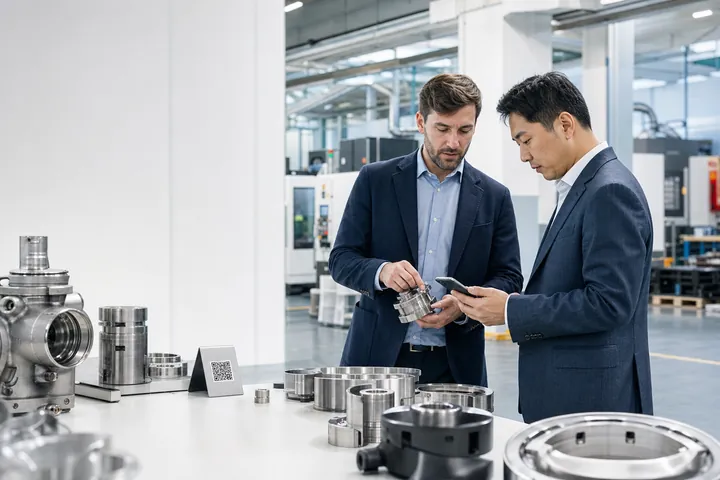
A crowded booth conversation rarely covers every question. A RealLink AI catalog lets visitors reopen the products, ask what they missed, and choose a next step while the event context is still fresh.
At a glance
Customers get useful answers while their interest is still fresh, even when you are busy.
Guide people to the right link, inquiry, booking, or contact option without making them search.
Repeated questions show what to explain better on the page, in print, and in your service.
What changes
The best booth QR does not send every visitor to a corporate home page. It opens the products and context from that event, answers common follow-up questions, and routes a serious buyer to the correct human step.
Show the products, packages, or services that were actually presented at the booth.
Prepare answers for product fit, specifications, pricing approach, MOQ, delivery guidance, demo options, and contact routing.
Use a production, installation, or demonstration video only when it directly helps the current question.
International visitors can reopen the catalog and ask after the booth team is no longer available.
Visitors can browse and ask without being sent back and forth between separate pages.
Use a meeting request, inquiry form, official catalog file, email, or main chatbot for the next step.
Workflow
Add the short catalog QR to the booth, sample, brochure, badge insert, or follow-up card.
The visitor sees the products related to that event.
They ask the question they did not have time to ask at the booth.
The answer can lead to a demo, inquiry, meeting request, or approved external resource.
The team reviews repeated questions before the next event and improves the booth message.
Practical boundary
Existing booth content often treats the catalog as an external PDF link. The first-party RealLink AI catalog keeps visual products, question context, and follow-up actions together and can highlight the products mentioned in an answer.
Questions
Yes. Keep the short link active in follow-up emails, samples, brochures, and sales messages.
Yes. When the training information clearly associates an approved YouTube or TikTok URL with the question, the answer can offer that media with a privacy-aware connection step.
Yes. Use RealLink AI reservations for a lightweight meeting request or link to the official scheduling system when live calendars are required.
Review product questions, missing information, buying barriers, language demand, and the questions that appeared before inquiry or meeting intent.
Publish the event collection before printing the QR, then test it with the five questions buyers ask most.