Add an Inquiry Button to Product Details
Let customers open your inquiry form from the product they are already viewing.
 RealLink AI
Use cases
Browse practical RealLink AI use cases for catalogs, menus, showrooms, product packaging, QR codes, mini chat, reservations, flyers, and signs. Each page shows what customers can browse or ask, where the QR should lead, and how customer questions become useful next steps and business signals.
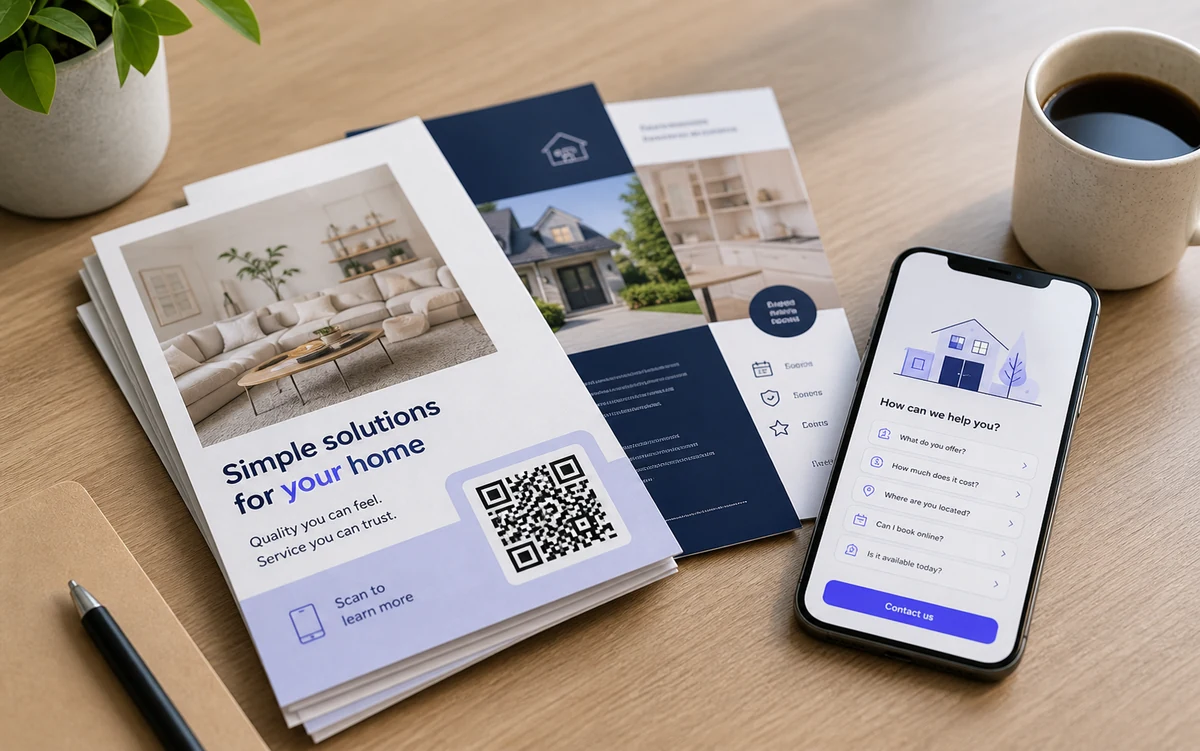
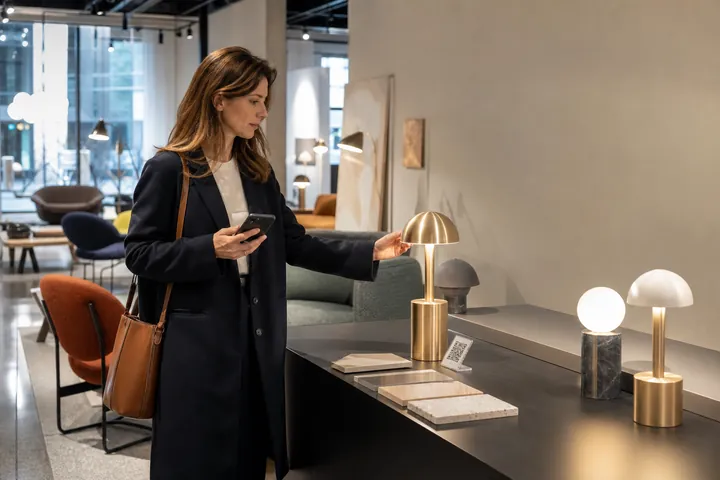
Let customers open your inquiry form from the product they are already viewing.
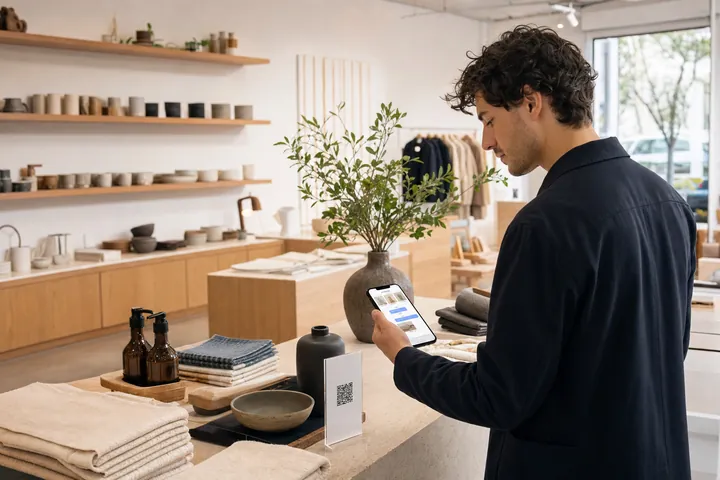
Publish a visual product catalog, connect it to a short QR link, and let customers ask an AI assistant about the products they are already viewing.

Give export buyers and distributors a visual B2B catalog where they can ask about specifications, minimum orders, lead times, customization, videos, and the right next contact.
Use a QR-linked visual catalog and mini AI assistant to explain options, materials, dimensions, care, pricing, and the next step while shoppers remain in the showroom.
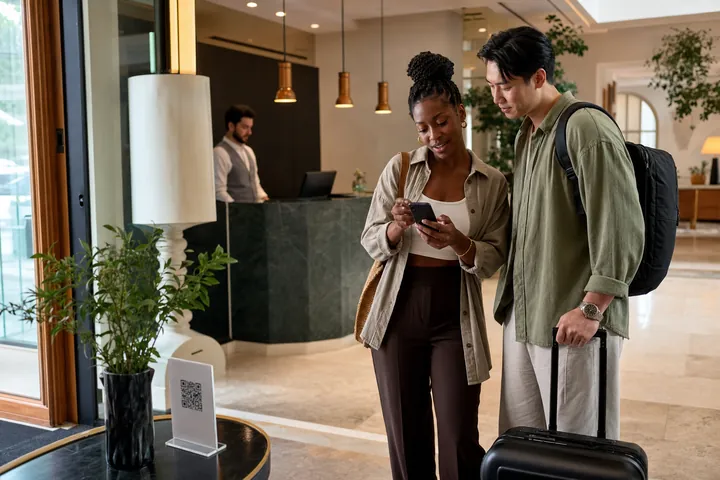
Translate a published catalog on demand for the visitor language, keep the result cached, and let customers ask questions using the same approved source information.
Turn flyers, brochures, mailers, and event handouts into AI answer pages that answer price, location, booking, and availability questions after the scan.
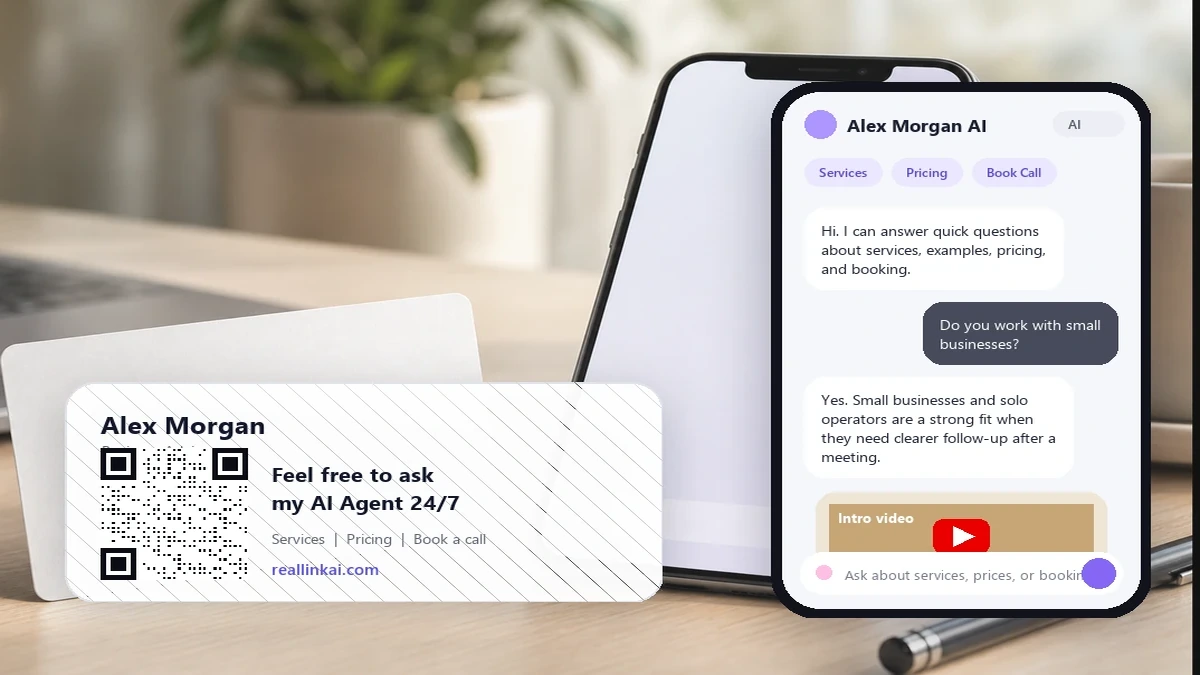
Let prospects scan a business card and ask about services, service area, pricing, examples, booking, and multilingual follow-up.
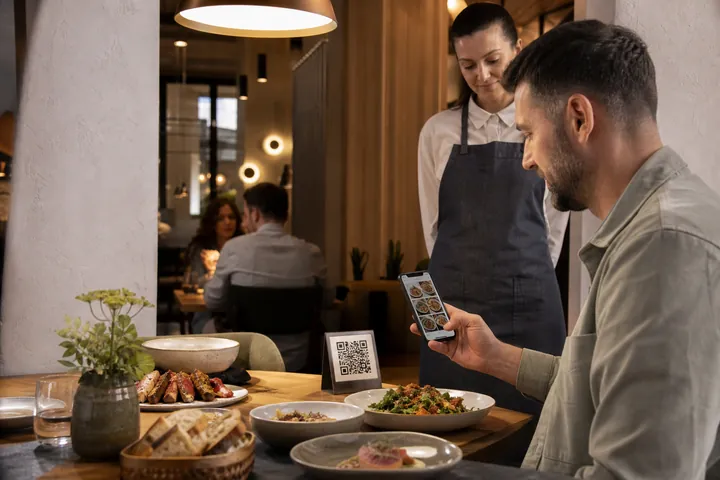
Create a visual web menu with food photos, prices, categories, multilingual answers, and a compact AI assistant that stays beside the menu.
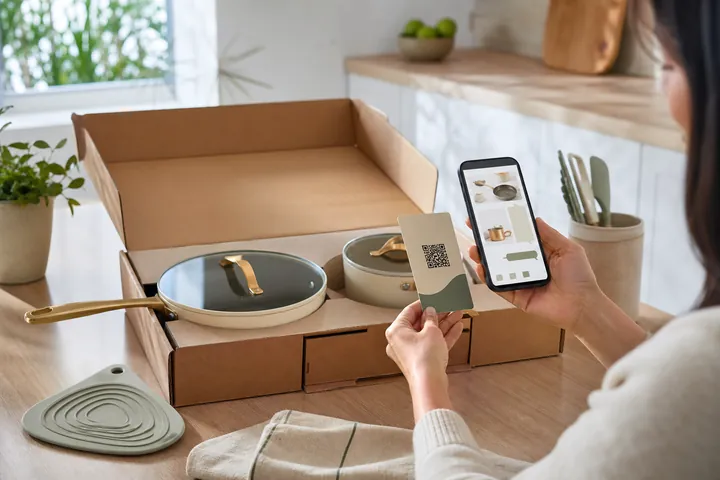
Connect boxes, labels, inserts, and manuals to a visual catalog and AI assistant for setup, care, product details, related items, and support inquiries.
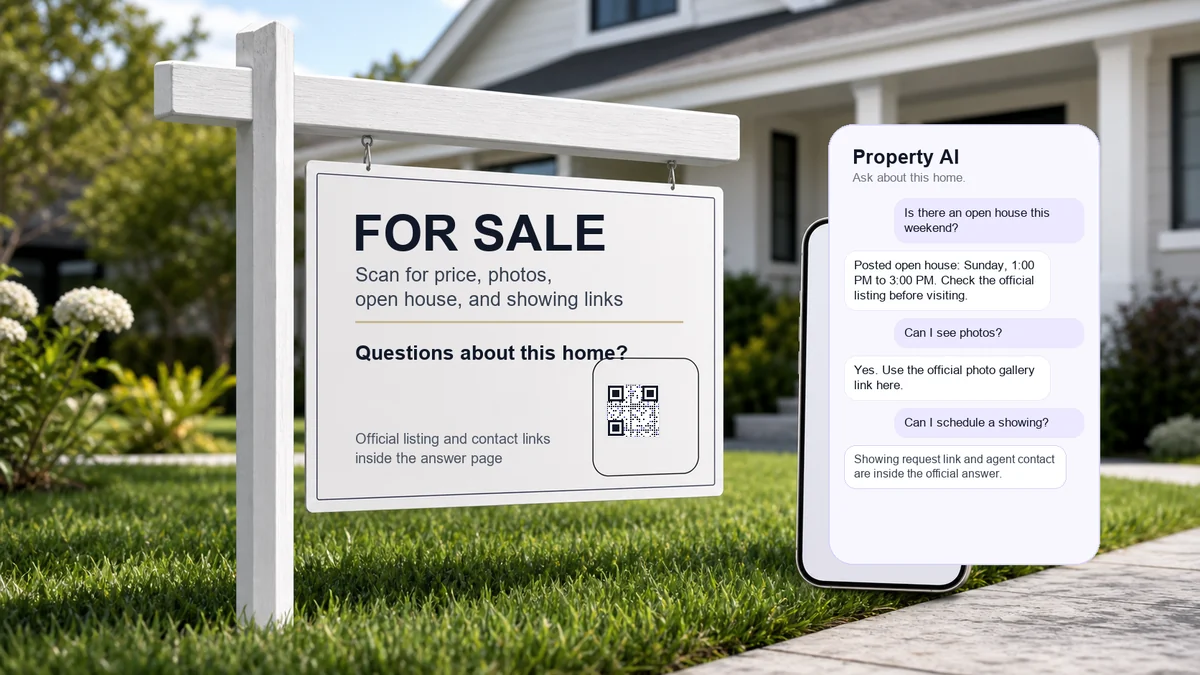
Help buyers and renters ask about price, open houses, photos, showing links, contact details, and property questions after they scan a sign.
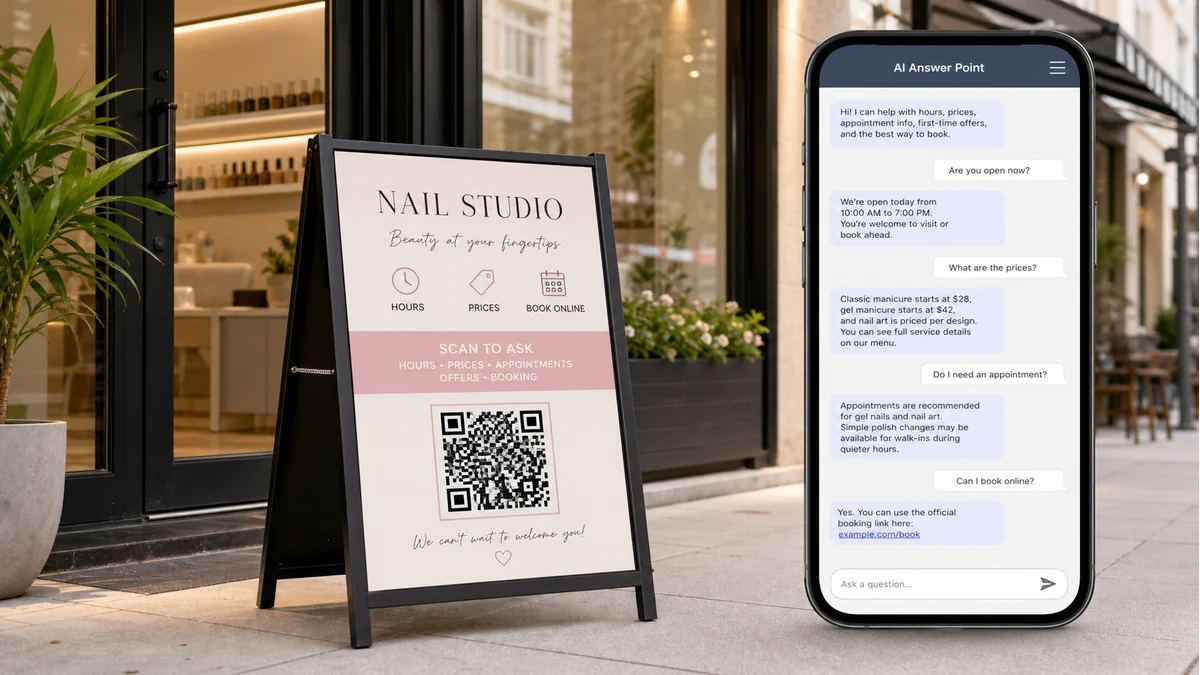
Let passersby ask about hours, prices, appointments, offers, official links, and next steps from storefront, counter, and A-frame signs.
Connect booth QR codes to a visual product catalog, mini AI assistant, demo media, inquiry form, and follow-up path that remains useful after the event.
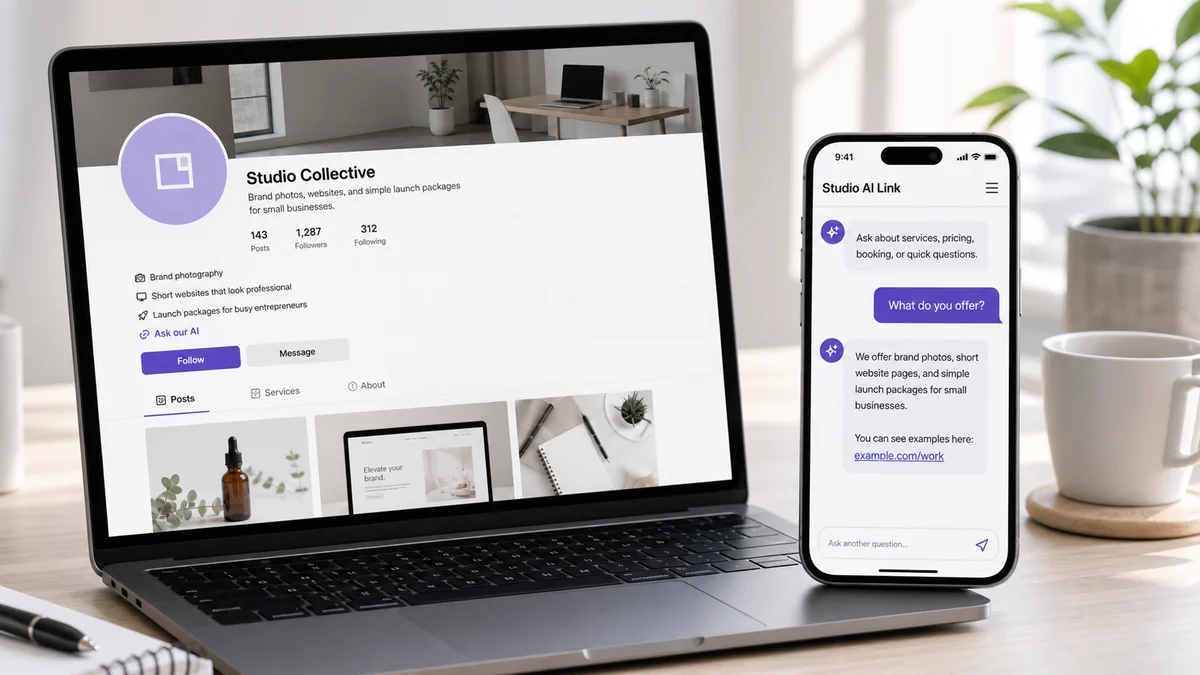
Use one AI answer link in a website button, social bio, email signature, or profile so customers can ask about services and next steps.
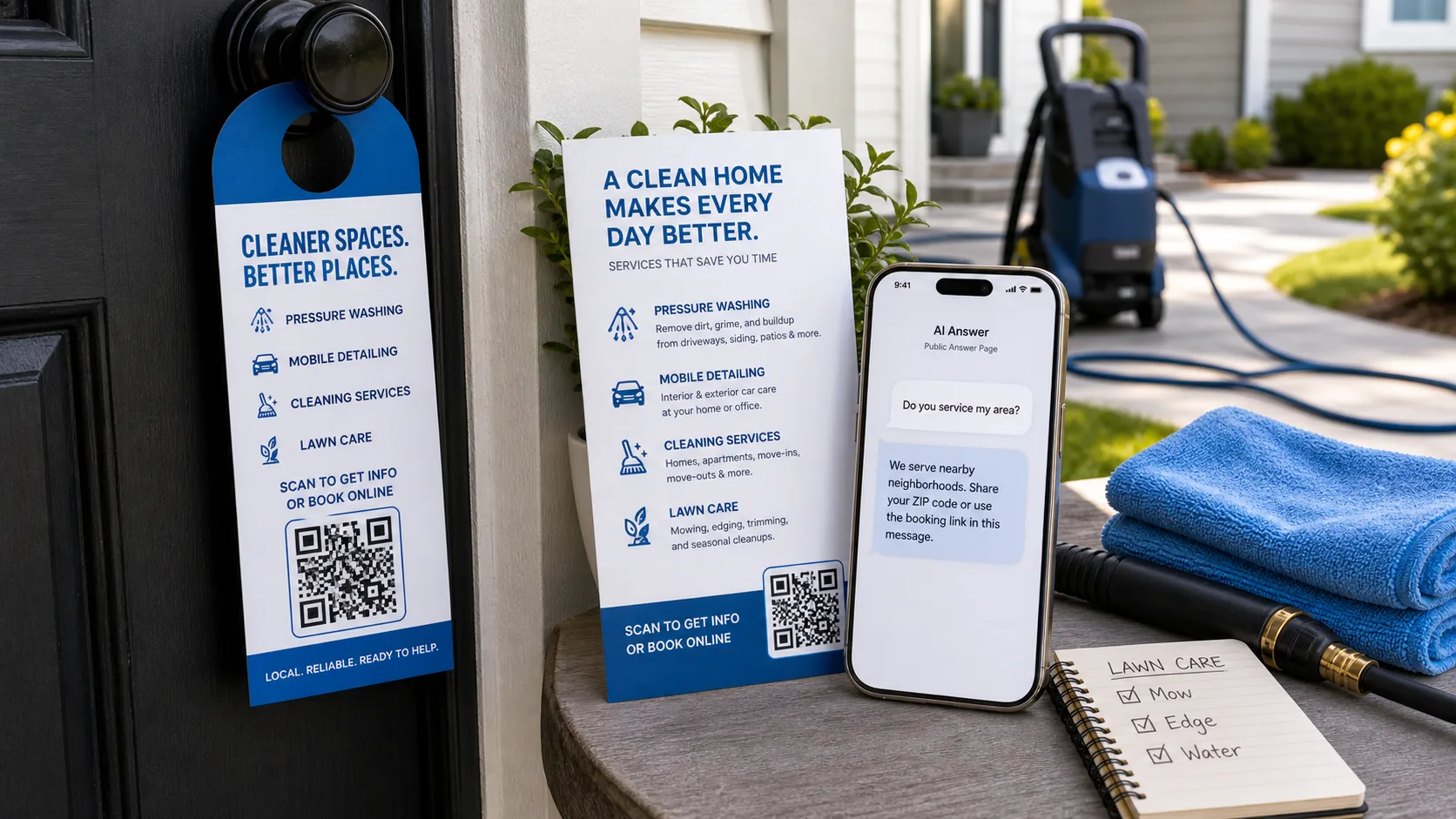
Answer service-area, pricing, booking, warranty, and preparation questions from cleaning, lawn care, detailing, and other service flyers.
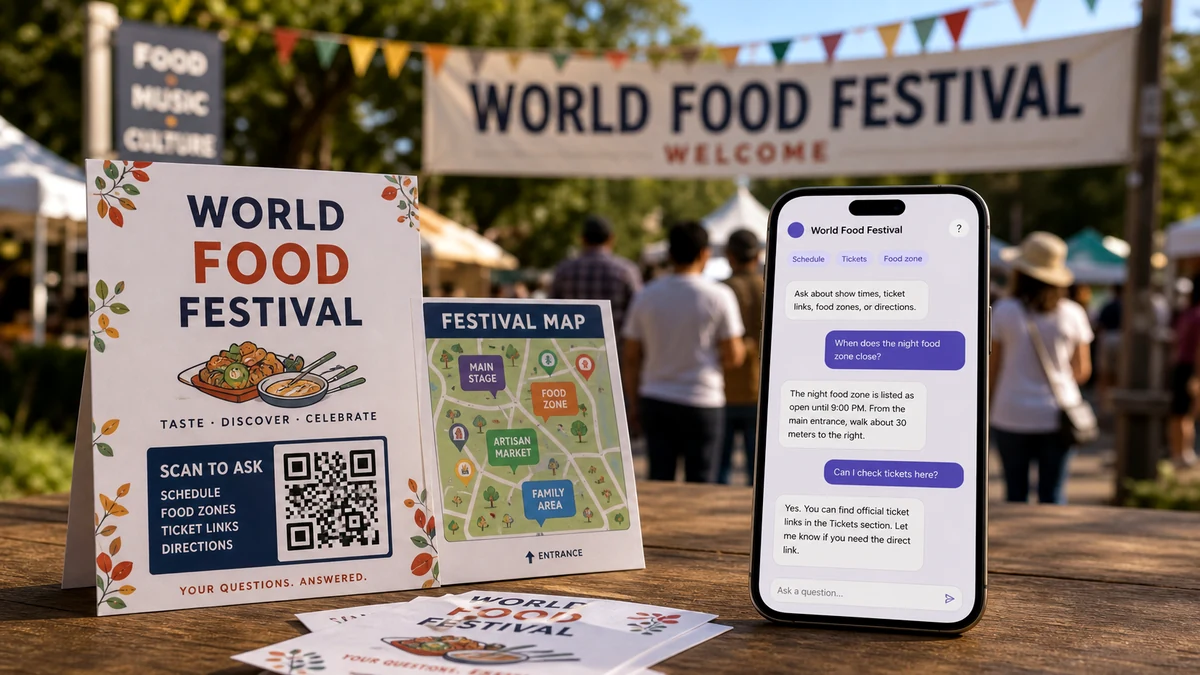
Help visitors ask about schedules, tickets, food zones, directions, accessibility, rules, and official links from festival signs and maps.
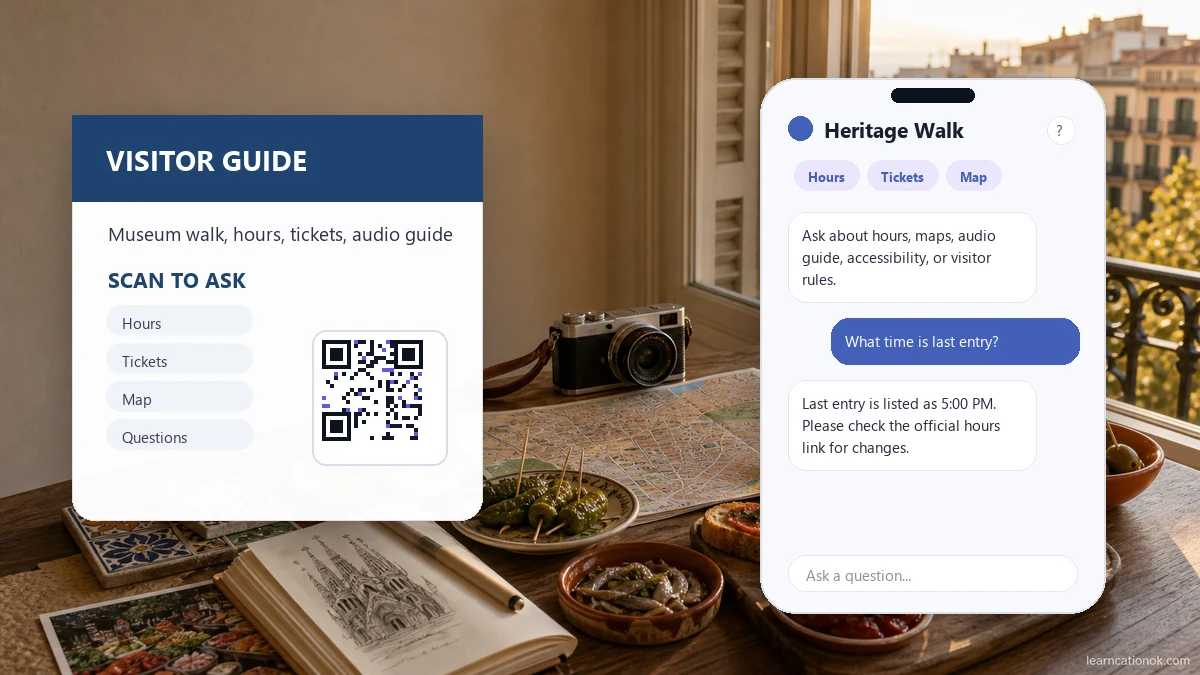
Answer visitor questions about hours, tickets, directions, history, rules, accessibility, facilities, and official links from signs and brochures.
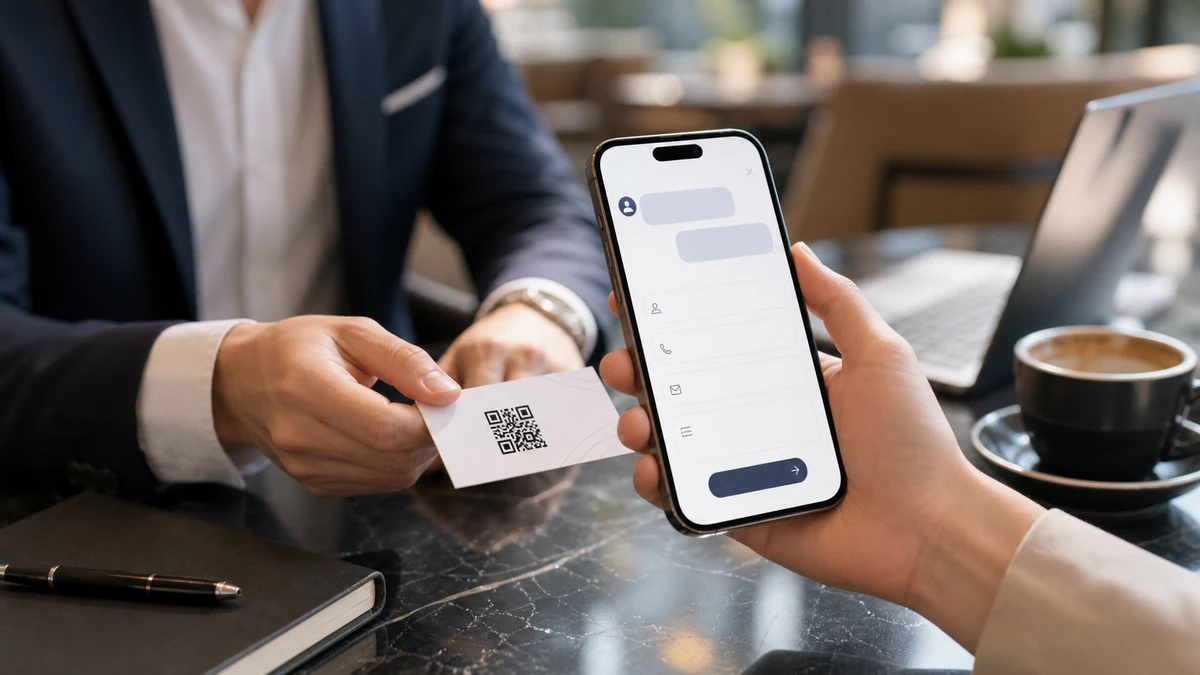
Show how a business-card QR scan can answer first and then collect a clear inquiry when the prospect is ready to continue.
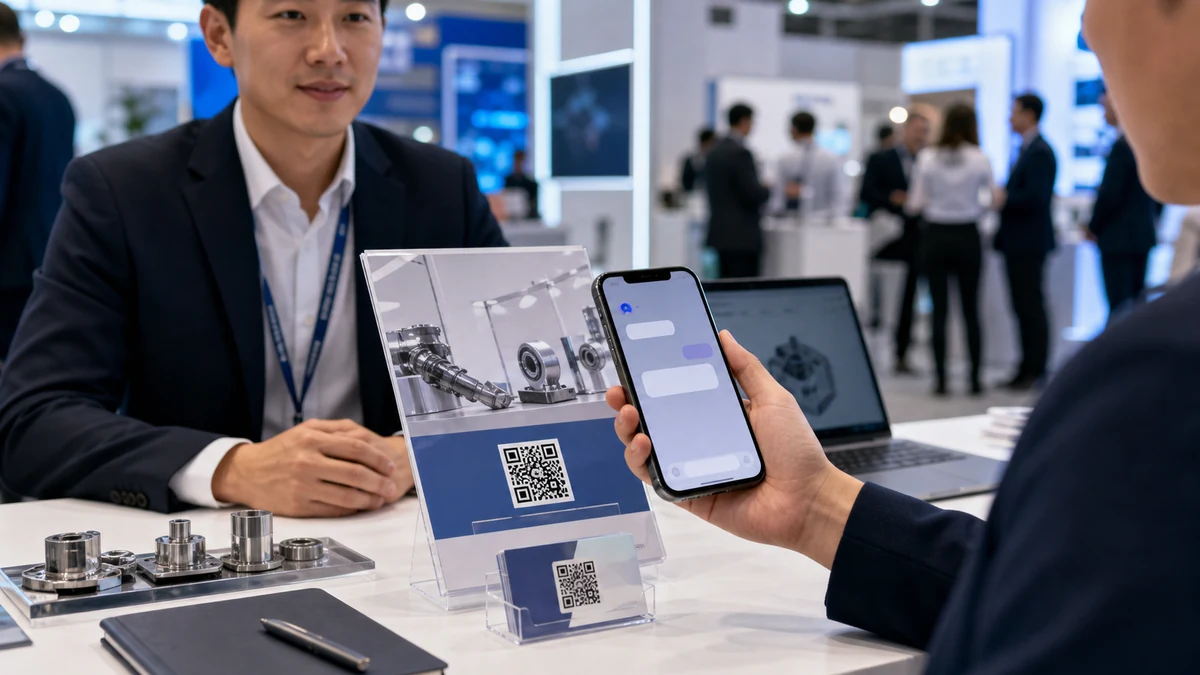
Turn buyer questions from sales materials, business cards, and trade shows into useful inquiries with context for follow-up.

Answer booking questions first, then collect a date, time, contact details, and source context as a manageable reservation request.
Use clear notices and useful benefits before reservation and inquiry forms so visitors understand the next step before submitting.
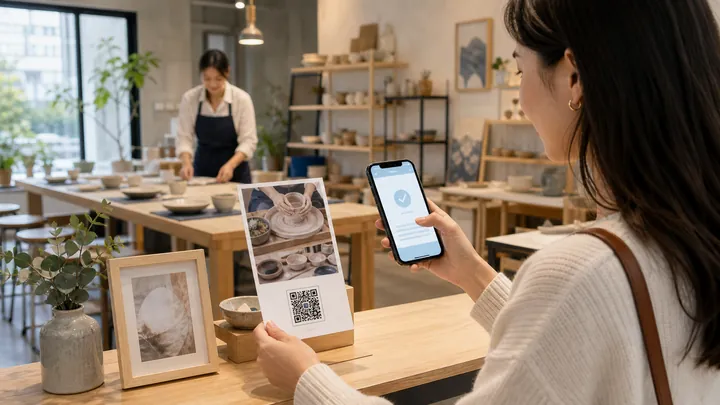
A class studio can let visitors scan a flyer, ask practical questions, choose a date and time, and send a booking request while interest is fresh.
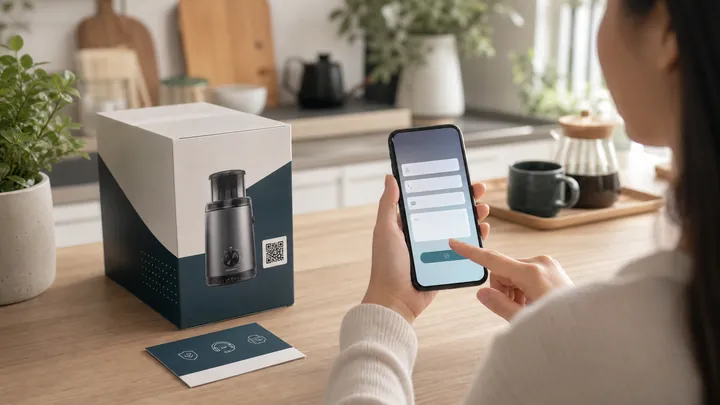
A product box can answer setup, warranty, refill, and support questions, then collect a clean inquiry when the customer needs help.
No matching use cases yet. Try a different keyword or touchpoint.