
Review QR placement
Google Review QR Code on Receipts, Cards, and Signs
Where to place a Google review QR code on receipts, cards, signs, table tents, invoices, and follow-up materials without making the request feel pushy.
Summary
A Google review QR code can work on receipts, cards, table tents, invoices, follow-up messages, and signs, but each placement needs different copy, size, timing, and staff behavior. Receipts are good for reminders. Cards are good for personal service moments. Counter signs work when customers naturally pause. Exit signs are gentle reminders. Follow-up emails or messages work when the customer needs time before reviewing.
The safest rule is simple: ask after value has been delivered, keep the wording neutral, avoid rewards or pressure, and give customers another way to reach you if they need help. A review QR code should not become a wall between the business and a customer who has a problem.
The quick answer
Use receipts for reminders, cards for personal moments, signs for visibility, and follow-up messages when customers need time.
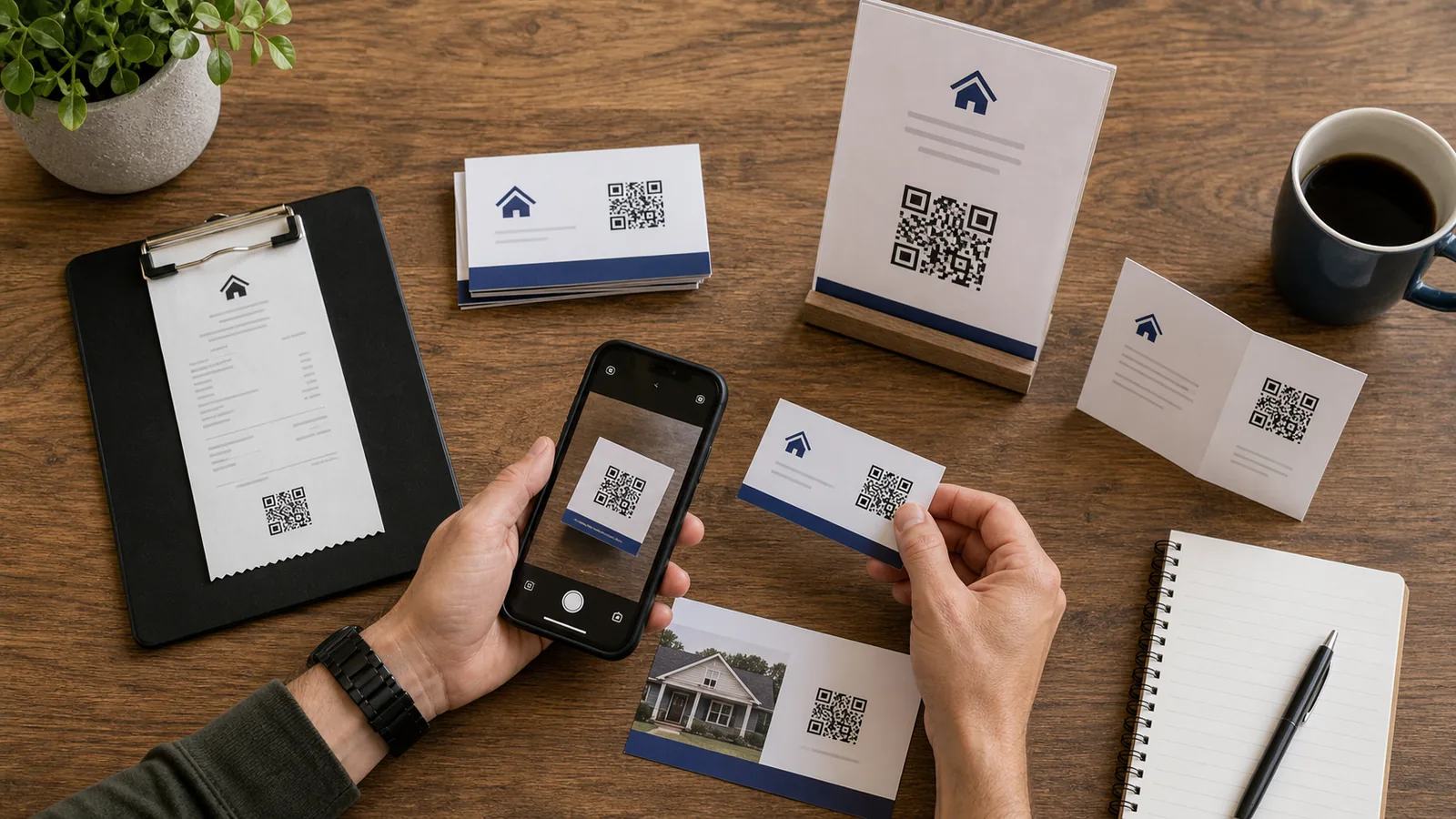
The same Google review QR code can appear in several places, but it should not feel identical everywhere. A receipt has almost no space, so it needs a short line and a scannable code. A card can be warmer because staff may hand it to the customer after a completed service. A sign needs bigger contrast and fewer words. A follow-up message should respect consent and timing.
The placement decision matters because review requests are emotional. The business is asking the customer to spend attention and attach their name to an experience. That request works best when it feels optional, relevant, and easy.
Do not cover every surface with review requests. Pick the moments where the customer has already received value and still remembers the details.
Receipts
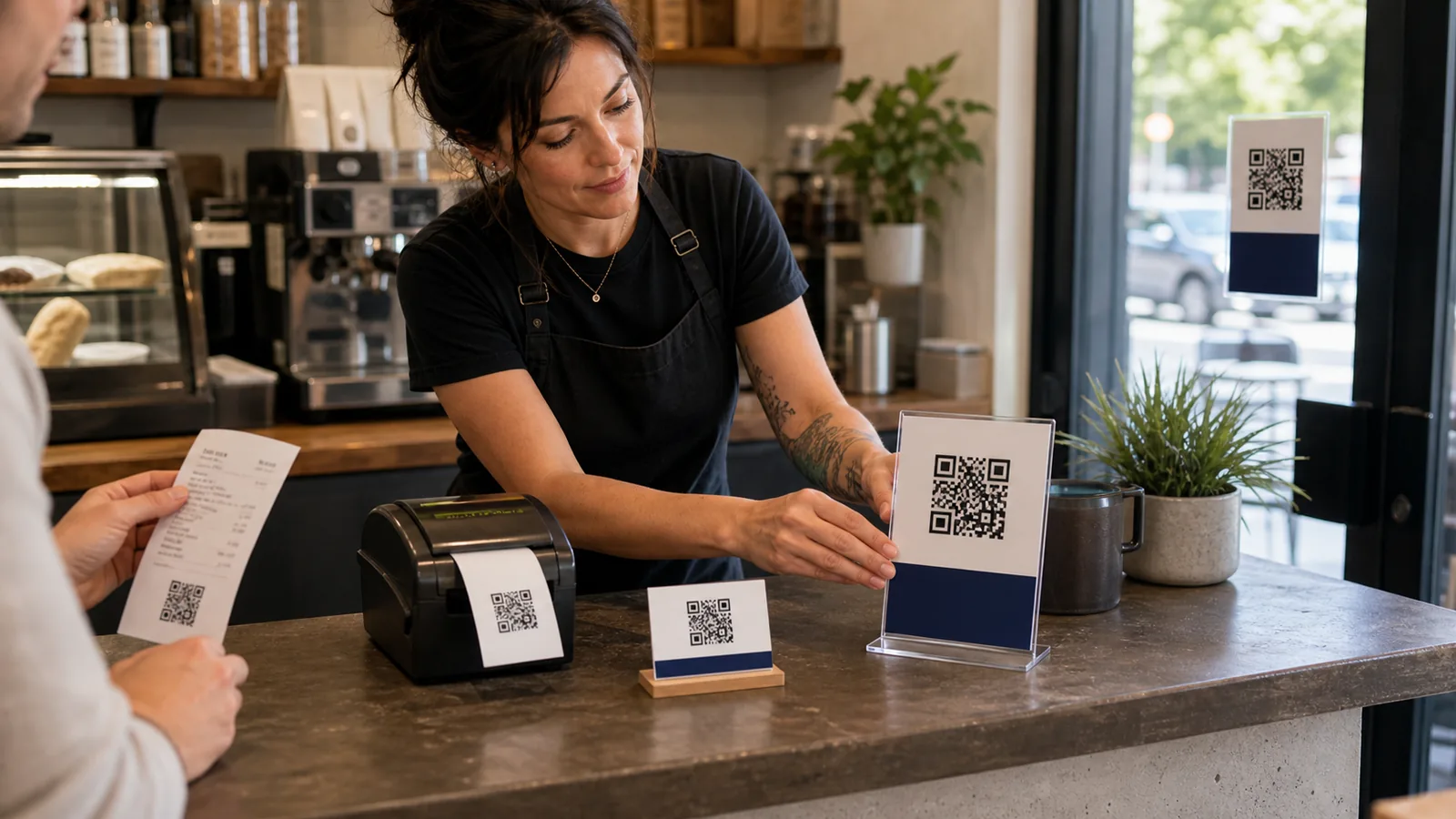
Receipts work when the QR code is small, clear, and tied to a completed transaction.
A receipt is a natural place for a review reminder because it appears after payment or pickup. It is also easy to overdo. Thermal receipts are narrow, ink can fade, and tiny QR codes fail more often than owners expect. Test the printed receipt from the same printer customers will receive.
Use one short sentence. Avoid long explanations, discount promises, or emotional pressure. If the receipt is already crowded with policies, coupons, surveys, and loyalty messages, the review QR code may be ignored.
Receipts are especially useful for cafes, restaurants, retail shops, quick-service providers, and pickup counters. They are weaker for high-touch services where the customer may need time before forming an opinion.
Review request cards
Cards work best when staff hand them over at the right moment and do not hover.
A small review request card can feel more personal than a receipt. It works for salons, clinics, consultants, home services, classes, workshops, repairs, and any business where the customer has a clear end-of-service moment. The card should look like a thank-you, not a demand.
Give the customer space. Staff can say, 'If the visit was helpful, this card makes it easy to leave a review.' Then move on. Watching the customer scan, asking for a specific rating, or repeating the request turns a useful card into pressure.
Cards can also include a short fallback URL and support contact. If the customer had a problem, they should know how to reach the business instead of feeling pushed toward a public review.
Counter signs and table tents
Signs help customers notice the option, but they should not compete with service.
Counter signs are useful where customers naturally pause: checkout, pickup, waiting for a receipt, or after an appointment. Table tents can work in cafes, salons, studios, and service counters. The QR code must be large enough to scan from the expected distance and angle.
Keep signs visually calm. A sign that shouts for reviews can cheapen the experience. The best signs say thank you, explain why reviews help, and give the customer a simple path. If the sign also needs to answer questions, use a separate QR code or a clear menu of destinations.
Avoid placing review signs where the customer is still deciding, waiting too long, or resolving a complaint. That moment should be for service, not reviews.
Placement decision table
Choose placement by timing, scan distance, and customer state.
Use this table before you print. The best placement is not always the most visible one. It is the one that fits the customer's state of mind.
| Placement | Best moment | Recommended copy style | Main risk |
|---|---|---|---|
| Receipt | After payment or pickup | One short line | Too small to scan |
| Review card | After completed service | Warm thank-you | Staff pressure |
| Counter sign | Checkout or pickup pause | Short and visible | Visual clutter |
| Table tent | After dining or service | Gentle reminder | Asking too early |
| Invoice | After job completion | Professional and direct | Customer may need time |
| Follow-up email or SMS | After the customer has used the service | Helpful and consent-aware | Messaging rules and fatigue |
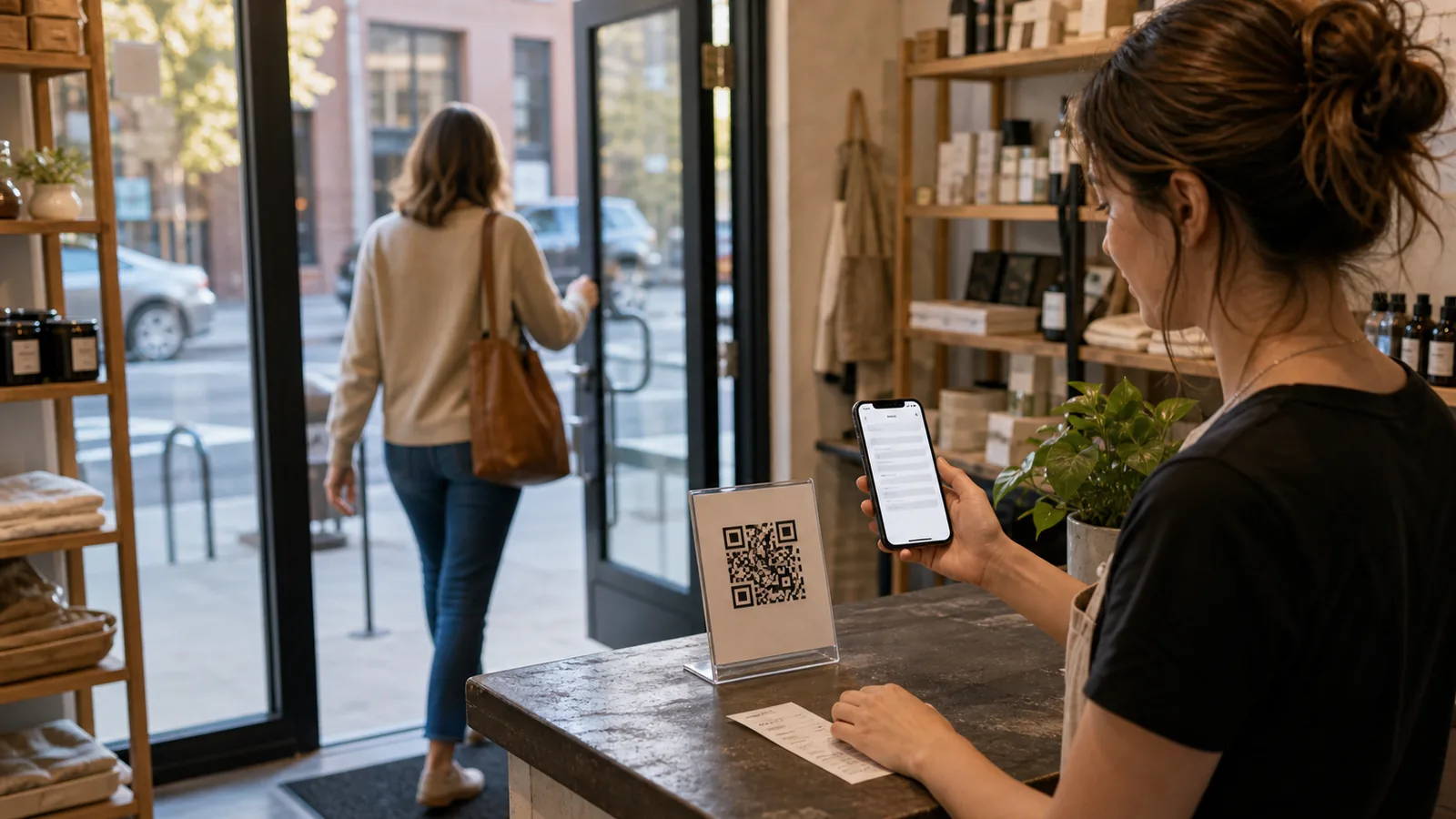
| Exit or window sign | After leaving | Minimal reminder | Low scan intent |
Copy examples that do not feel pushy
Ask for honest feedback, not a specific rating.
Good review request copy sounds like a human request. It should not ask for five stars, offer a reward, or suggest the employee is being judged by the review. It should tell the customer why the review helps and make the scan optional.
For a receipt: 'Your feedback helps other local customers find us.' For a card: 'If we helped today, a quick review means a lot to our small team.' For a home service invoice: 'Your review helps neighbors choose a trusted local provider.' For a table tent: 'Enjoyed your visit? A short review helps others know what to expect.'
If the customer needs help, the material should also offer a support path. A review QR code should not be the only visible way to respond.
- Do not ask for a five-star review.
- Do not offer rewards for reviews.
- Do not hide the review link from unhappy customers.
- Do not make staff watch the customer scan.
- Do give customers a support path for problems.
A simple staff script
The script should be short, optional, and tied to the completed service.
A good staff script is one sentence. 'If everything went well today, this QR code makes it easy to leave an honest review.' Then stop. The customer should not feel trapped in a conversation about whether they will review the business.
If a customer mentions a problem, the staff response should switch immediately to service recovery: 'Thanks for telling me. Let me help with that first.' Do not redirect a frustrated customer toward a public review request. Fix the issue or make the next step clear.
Train staff on timing. Ask after checkout, after completion, after pickup, or in a follow-up message. Do not ask before the customer has experienced the service.
How to measure placements
Measure which placement gets useful scans, reviews, and follow-up questions.
If every QR code uses the same URL, you will know total review activity but not which placement helped. Use campaign labels or separate QR codes for receipts, cards, counter signs, and follow-up messages. Keep the labels simple enough that staff can understand them.
Review the pattern monthly. A counter sign may get many scans but few completed reviews. A follow-up card may get fewer scans but better quality feedback. A receipt QR may work for high-volume retail but fail for consultative services. Let the data change the placement.
Also watch customer questions. If people scan review materials but ask about returns, parking, warranty, menu, or appointment prep, you may need a separate customer question QR code beside the review request.
Beyond reviews: separate QR codes for questions
Reviews and customer questions are different jobs.
A review QR code is for feedback after an experience. A customer question QR code is for help before, during, or after a decision. Mixing the two can confuse customers. If a receipt needs both, make the review request small and put service help in a separate, clearly labeled path.
For example, a product insert might have one QR code for setup help and another small review reminder after the customer has used the product. A salon card might have an appointment prep link and a separate review card at checkout. A door sign might answer after-hours questions, while the review request belongs on the receipt.
FAQ
Where should I put a Google review QR code?
Start with receipts, review cards, checkout signs, invoices, or follow-up messages after service is complete.
Should the QR code be on every receipt?
It can be, but test scan size and avoid crowding the receipt with too many messages.
Are review request cards better than signs?
Cards are better for personal service moments. Signs are better for passive visibility at checkout, pickup, or exit.
What should the sign say?
Ask for honest feedback in a neutral way and explain why reviews help. Do not ask for a specific rating.
Should I use one QR code for reviews and FAQs?
Usually no. Reviews and customer questions are different jobs. Use separate destinations when possible.
Last updated
Last updated: 2026-07-09.
Next guide
If you still need the QR code itself, start with the free setup guide.